Screenshots worth shipping.
One command turns a plain capture — or a live website — into something you can drop in a product update without apologising.
curl -fsSL https://raw.githubusercontent.com/kidandcat/shot/main/install.sh | shInstalls the binary and a Claude Code skill. Or hand it to your agent →
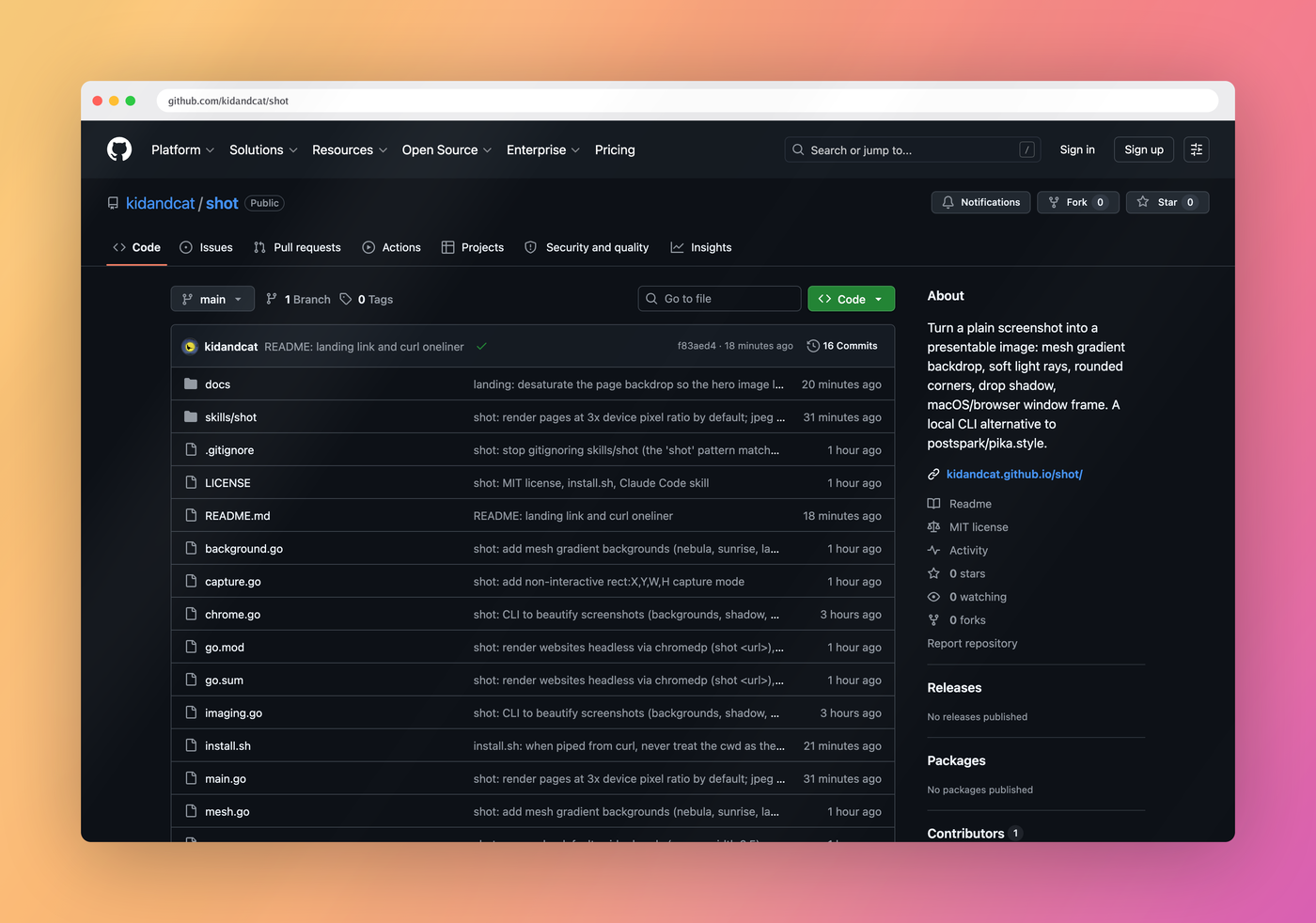
shot https://github.com/kidandcat/shot. No editor, no upload.Or just hand this to your AI agent
Paste this into Claude Code, Cursor, or whatever is sitting in your terminal. It installs the tool and the skill that teaches it the flags, the defaults and the sharp edges.
Install shot (github.com/kidandcat/shot) by running: curl -fsSL https://raw.githubusercontent.com/kidandcat/shot/main/install.sh | sh — then use it whenever I ask you to make a screenshot look good or to screenshot a website.Before and after
Same page, same second. The left is what your browser gives you. The right is shot with no flags at all.
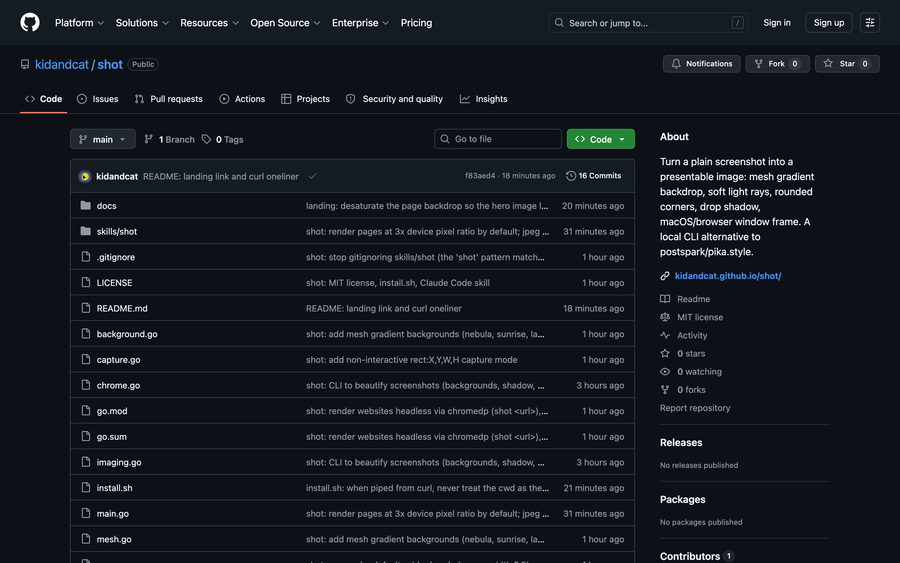
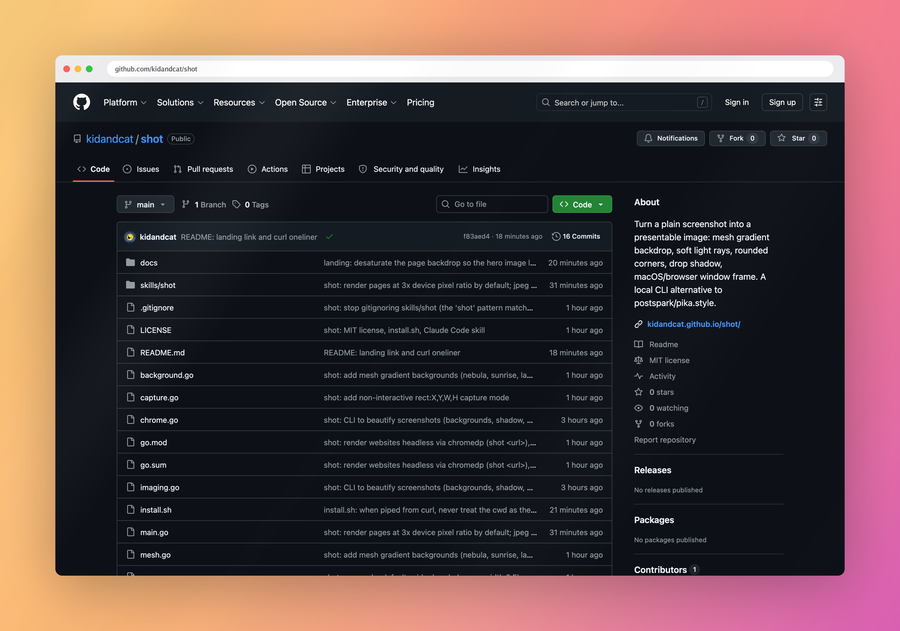
shot <url>What it does
Websites, headless
Pass a URL and it renders in a headless Chrome. No tabs, no bookmarks, no extensions — the address bar in the image is drawn, so it looks the same on every machine.
Backdrops that aren't flat
Six mesh gradients that blend several colour blobs, plus sixteen linear ones. Or your own hex colours, or an image.
Light rays
The soft diagonal shadow a window blind casts. Screened for the light, multiplied for the shade, so it never blows out a white UI.
Window frames
A macOS title bar or a browser chrome, drawn to scale — including on retina captures, where a fixed-height bar reads as a hairline.
Capture too
Grab a window, a region, or an explicit rectangle, and frame it in the same command. Straight to the clipboard with --copy.
Sharp by default
Pages render at 3× device pixel ratio, so the image still looks right after Slack, X or your blog have finished downscaling it.
Usage
# A screenshot you already have
shot ugly.png --copy

# A live page, framed, straight to the clipboard
shot https://github.com/kidandcat/shot --copy

# The whole page, in dark mode
shot https://news.ycombinator.com --full-page --dark

# A phone viewport
shot https://go.dev --width 390 --height 844

# Capture a window and frame it
shot --capture window --bg midnight --chrome mac-dark --title "Marketplace"

# Your own colours, sized for a slide
shot in.png --bg "#0f2027,#2c5364" --ratio 16:9 -o out.png
Defaults are already tuned: sunrise mesh gradient, light rays, 7% padding, rounded corners, soft shadow. shot --list-bg shows every backdrop.